 WEB • SEO • APPS • AI
Office Automation: Efficiently Sort & Manage Inquiries
Learn how to sort recurring inquiries without extra staff. Use the human-in-the-loop approach to save time while maintaining full control.
 Vitalii NechaiFounder of Vetael
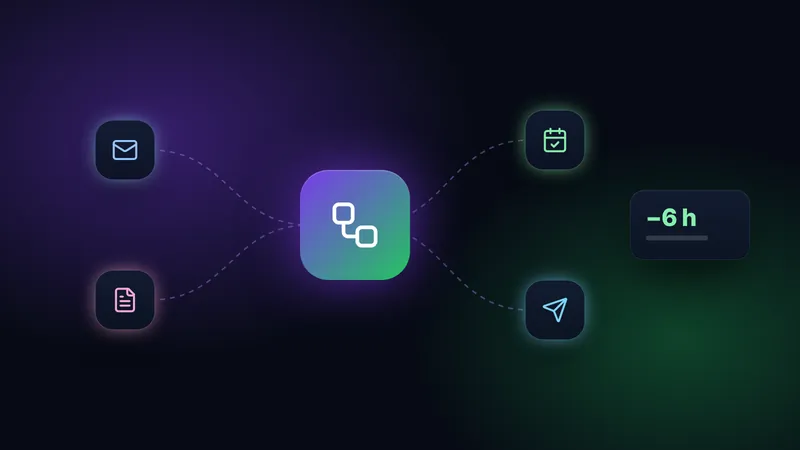
In many small businesses, the inbox is like a labyrinth. Tradespeople, service providers, and retailers spend valuable time every day reading, categorizing, and manually answering emails. According to Bitkom (2025), many companies are already using AI applications for administrative processes to make customer communication more efficient. The goal is not to replace personal contact, but to make it possible again by automating routine tasks. If you no longer have to sort inquiries by hand, you gain time for your core business.
Why office automation helps mitigate the skills shortage
The Federal Statistical Office (Destatis, 2025) confirms that the shortage of staff in office and secretarial roles is a key driver for the use of digital assistants. Many small business owners face the challenge of being unable to cope with the flood of emails, contact form inquiries, and social media messages without neglecting their core business. Intelligent office automation handles the preliminary work here. It recognizes whether an inquiry is a price quote request, an appointment request, or a complaint, and suggests the appropriate response.
The key to success is the human-in-the-loop approach. In this model, technology acts as an assistant that sorts and prepares information, while you, as the owner or employee, make the final decision. This not only fulfills the transparency requirements of the EU AI Act (a regulation governing the development and use of AI in the EU), but also gives you the peace of mind that no inappropriate message is sent to your customers. You retain full control while the machine handles the tedious groundwork.
Step by step to less manual work
Before you implement tools like Telegram bots or AI workflows, clear process design is crucial. Never automate chaos—structure your workflows first. An unstructured process only becomes an unstructured process faster through automation.
- Inventory: Which inquiries keep coming back? Create a list of top topics. Often, 80 percent of inquiries relate to 20 percent of the topics.
- Standardization: Determine what information you need for processing. An online form is often more effective than a free-text email, as it forces the customer to provide relevant data directly.
- Automated Pre-sorting: Use AI systems to sort incoming messages into categories like "Quote," "Invoice," or "Support." The AI reads the content and automatically assigns the email to the correct folder or employee.
- AI Drafts: Let the AI create response drafts based on your knowledge base, which you then simply review and send. This prevents typos and ensures all important information is included.
You can find more on this in our overview of AI in small businesses, where we describe practical everyday applications that save time immediately.
Focus on security and data protection
Caution is required when processing customer data. The Data Protection Conference (DSK) points out that for AI-supported systems, a Data Protection Impact Assessment (DPIA) may be necessary if personal data is processed automatically on a large scale. Furthermore, the BSI (2026) warns against so-called prompt injection attacks, where attempts are made to manipulate the AI into misbehaving through malicious inputs. Therefore, ensure that your system strictly separates AI processing from internal databases. Professional process automation should always be planned to be GDPR-compliant (the General Data Protection Regulation, the EU's legal framework for data privacy), ensuring that only necessary data is processed and stored on secure servers.
Practical examples from everyday life
Imagine you run a trade business. A customer sends an email with a photo of their broken faucet. Previously, you had to open the mail, save the photo, call the customer, and ask for details. Today, the AI recognizes the photo, classifies the inquiry as "Repair," automatically sends the customer a confirmation asking for their address, and creates a draft for the quote. You only need to confirm the price. Another example is retail: A customer asks about the delivery status. Automation pulls the data from your shipping tool and sends the customer the current status without you lifting a finger.
Checklist for your start
- List the three most frequent inquiries you receive via email daily.
- Replace free-text email inquiries with structured forms on your website.
- Test AI-supported pre-sorting in a small area.
- Maintain control: Every AI response must be approved by you before it is sent.
- Document the processing steps for your data protection records.
If you would like to know which automation brings the greatest time savings for your business, feel free to schedule a free initial consultation. We will look at your current processes and find out together where the use of technology is truly worthwhile, without you having to get lost in technical details.
Has been building websites, shops and automations for businesses in Germany for years and knows the daily work of trades and service companies first-hand.